Hire an AI employee. Not another tool.
An AI employee with a desktop to work in. It operates your software, handles files, and calls people—from your team’s chat, within your approval rules.
Powered by OpenReef’s Software-to-Agent platform → # procurement



Illustrative employee conversation. Workflow scope is agreed during the pilot.
Slack Microsoft Teams
 Zoom
 Feishu
 WhatsApp
 Discord
 WeCom
 DingTalk
Your software. Real deliverables.
From closed-source CAD and legacy Windows programs to private internal systems. OpenReef combines desktop operation, software analysis, and MCP tools so your AI employee can use the software you already have and deliver real work.

Skyscraper Design
HF-800 · Coordinated 3D concept · 42 English A1 sheets · CAD reconstruction and live Dimension orbit / zoom.
More than clicking buttons.
Use the execution method that fits the task: available APIs, capabilities identified through analysis, or desktop interaction. Check application state and outputs before reporting completion. A configured desktop VM provides the working environment.
Explore the Software-to-Agent platform →Computer Use
Work through the real desktop interface.
Software Analysis
Discover capabilities inside existing software.
MCP Tools
Turn operations into reusable agent tools.
Bring your software. OpenReef learns how to use it.
Engineering, simulation, creative software—and your legacy ERP and in-house tools.
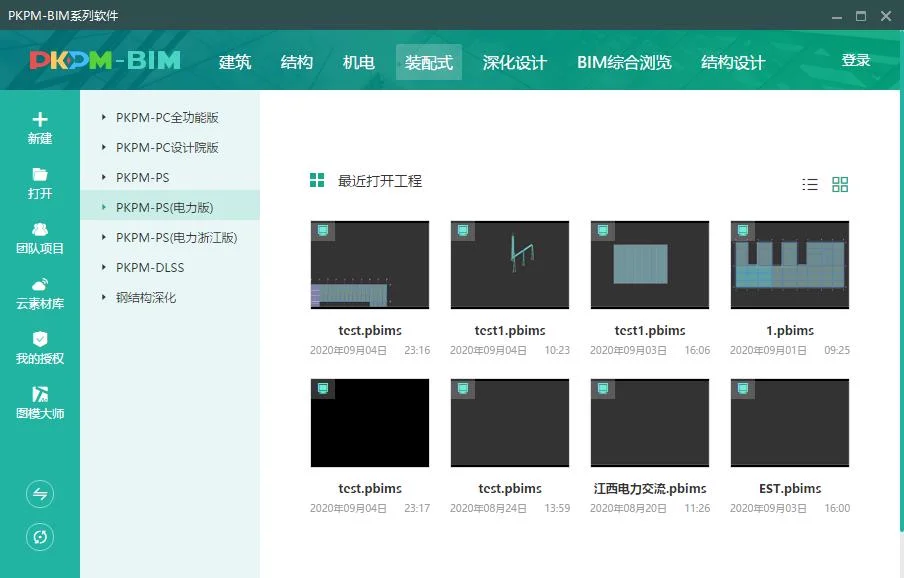 PKPM
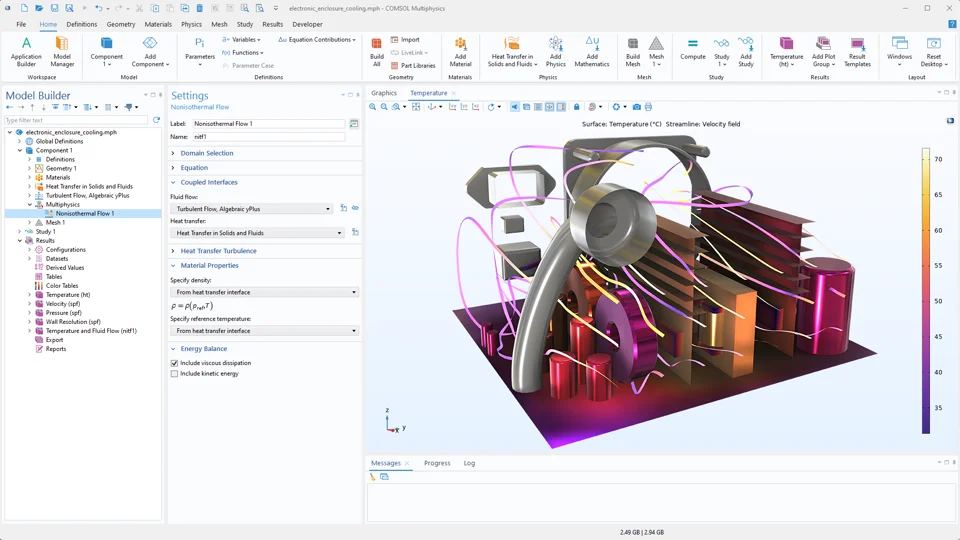 COMSOL Multiphysics
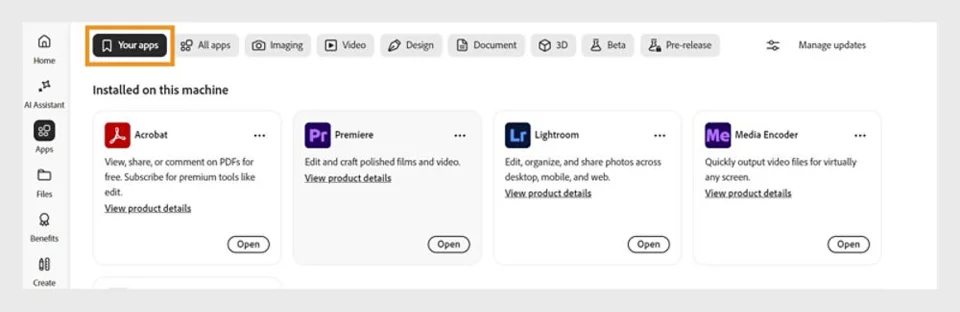 Adobe Creative Cloud
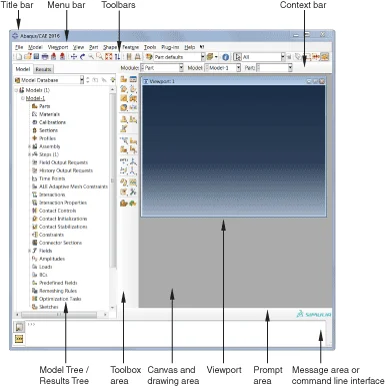 Abaqus/CAE
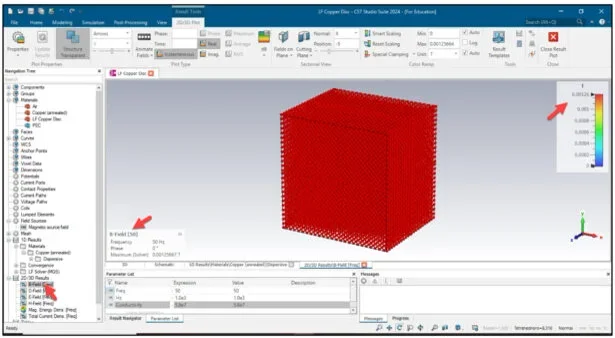 CST Studio Suite
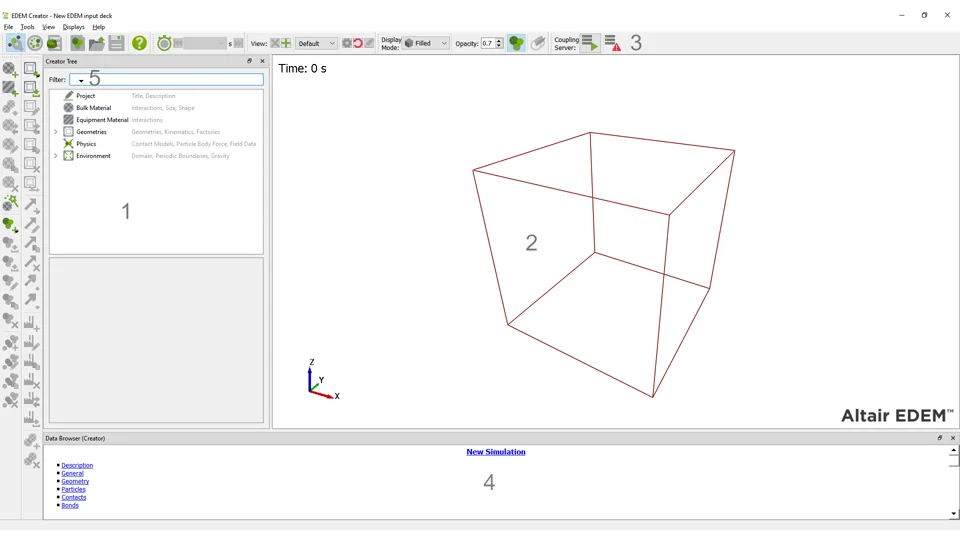 Altair EDEM
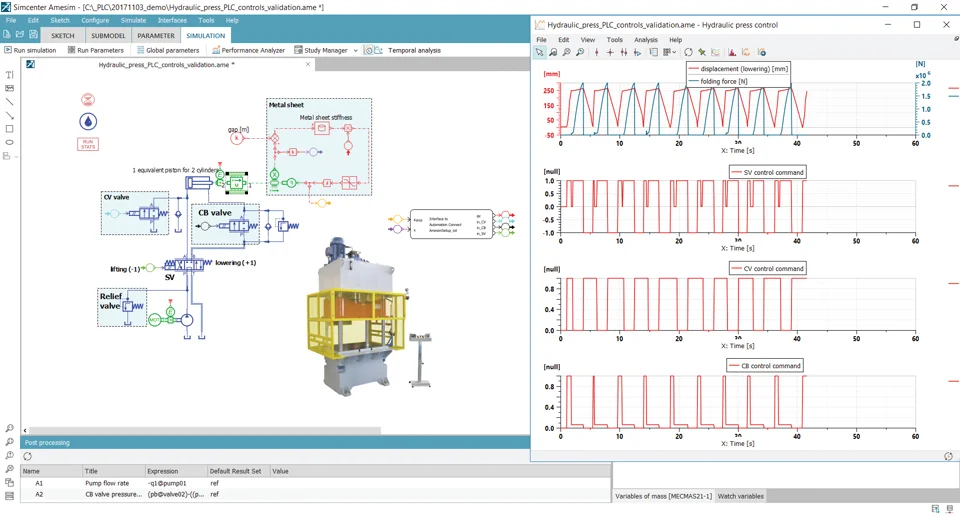 Simcenter Amesim
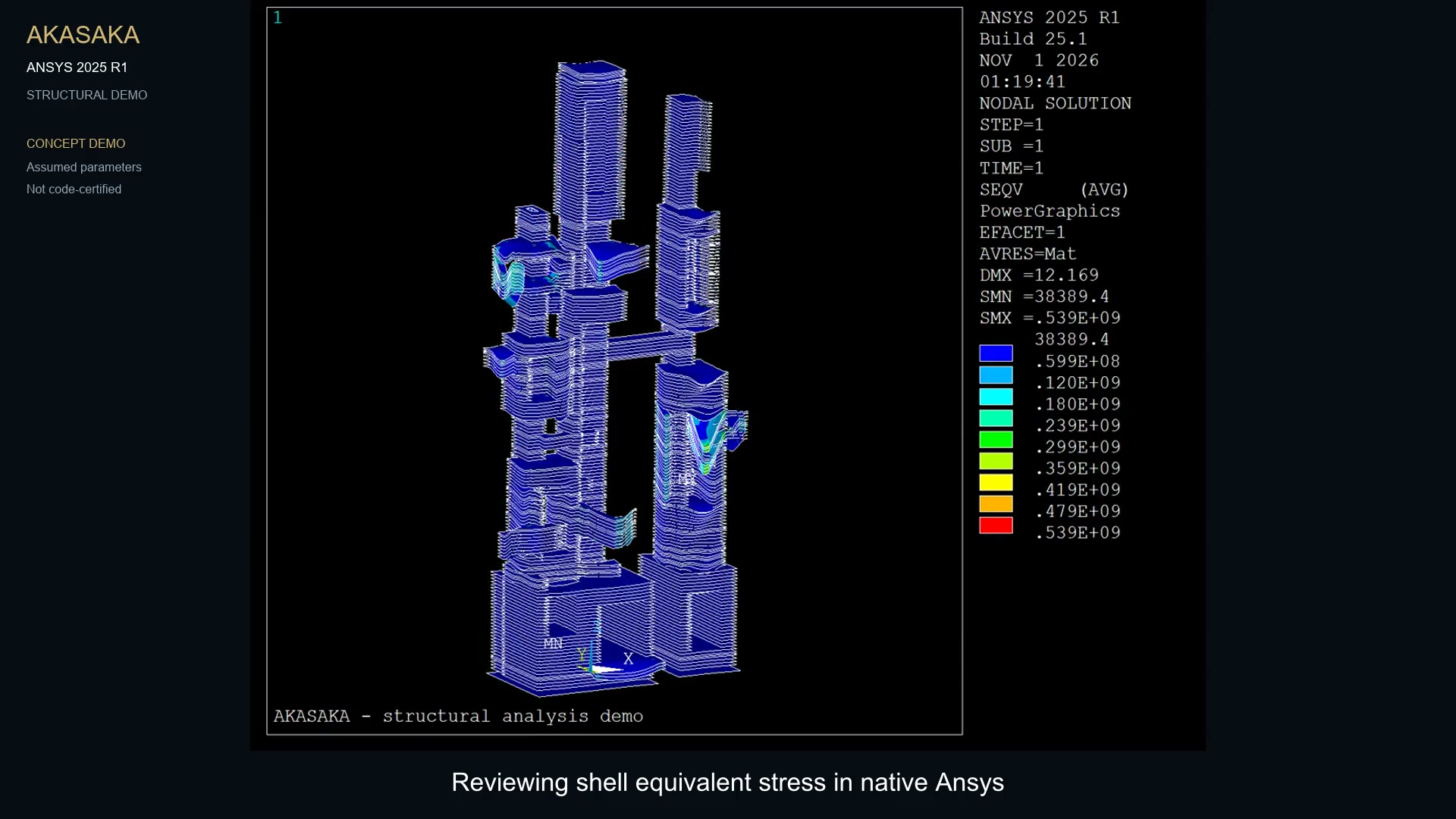 Ansys Mechanical
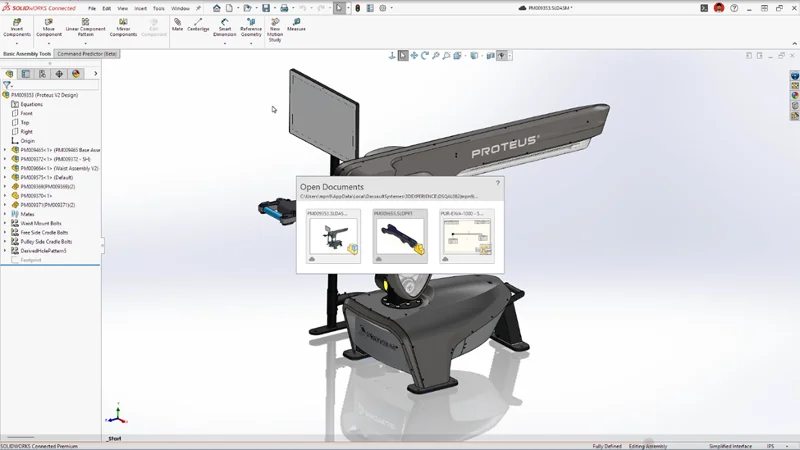 SOLIDWORKS
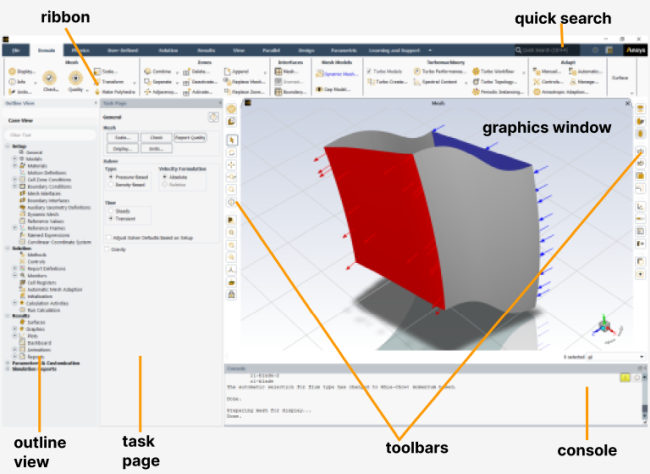 Ansys Fluent
 Simcenter STAR-CCM+
 Lumion
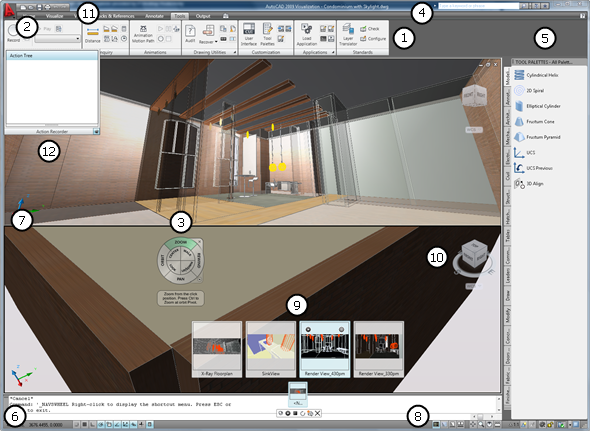 AutoCAD
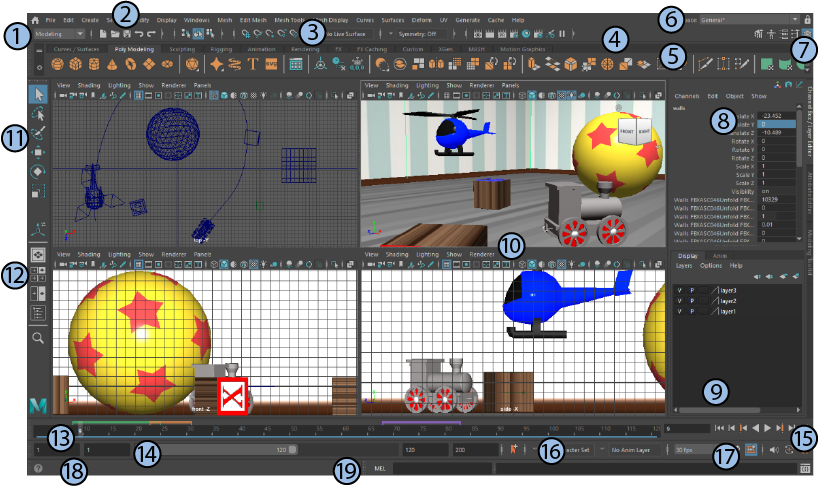 Autodesk Maya
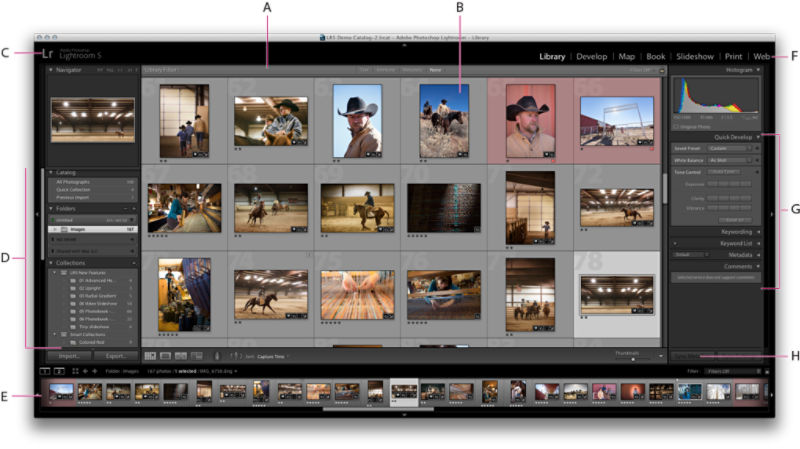 Adobe Lightroom Classic
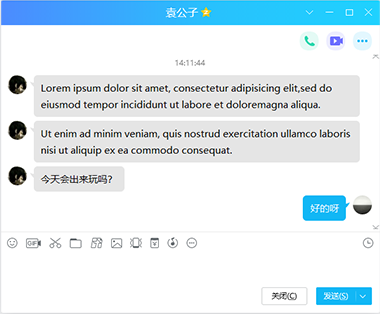 QQ
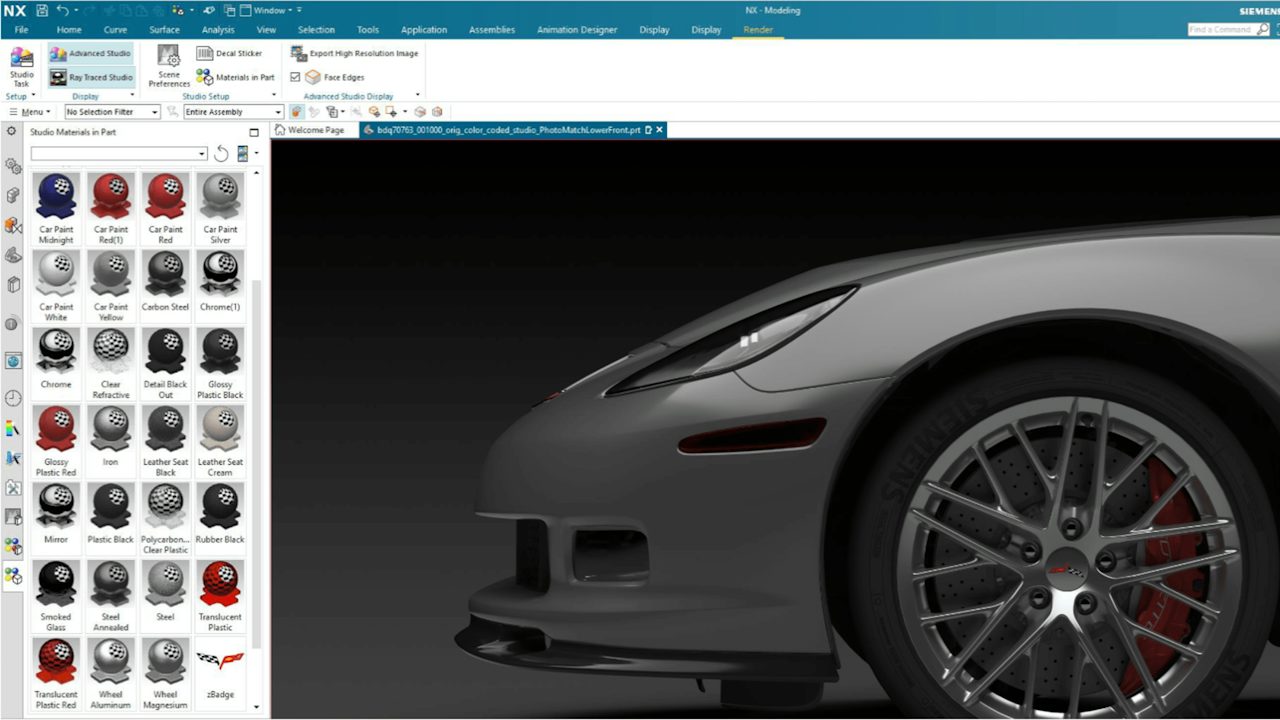 Siemens NX
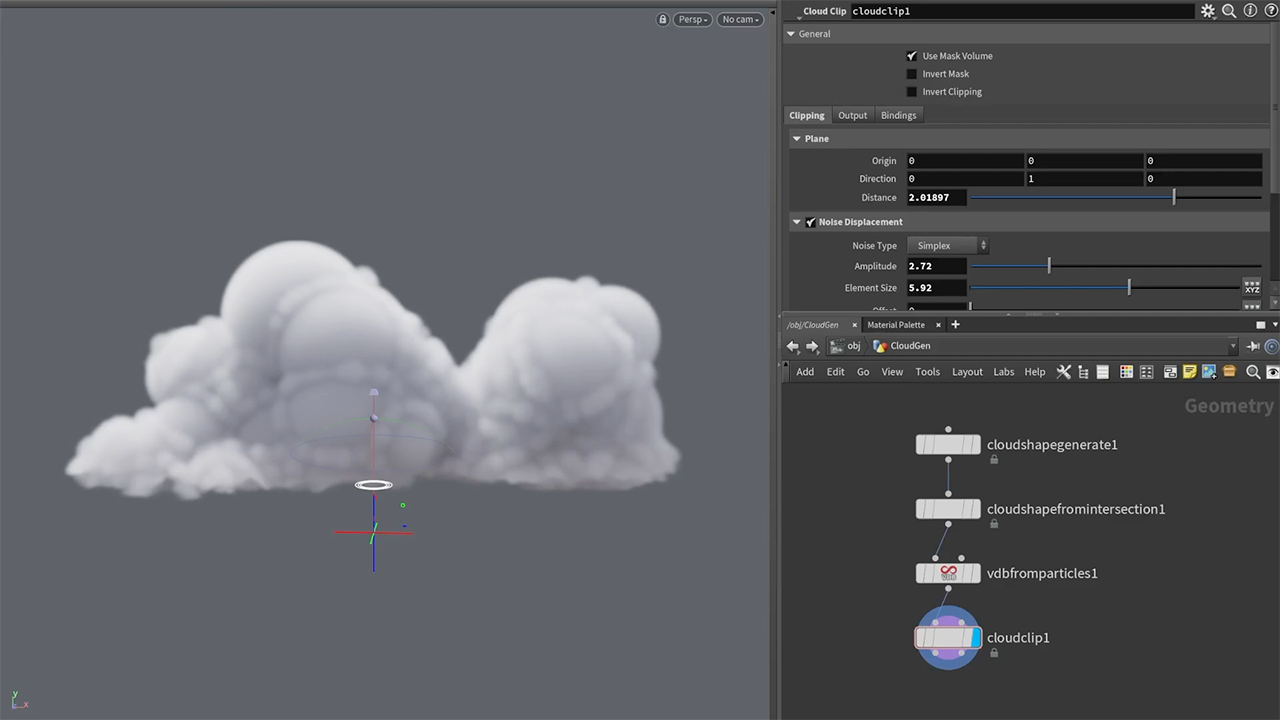 SideFX Houdini
 Twinmotion
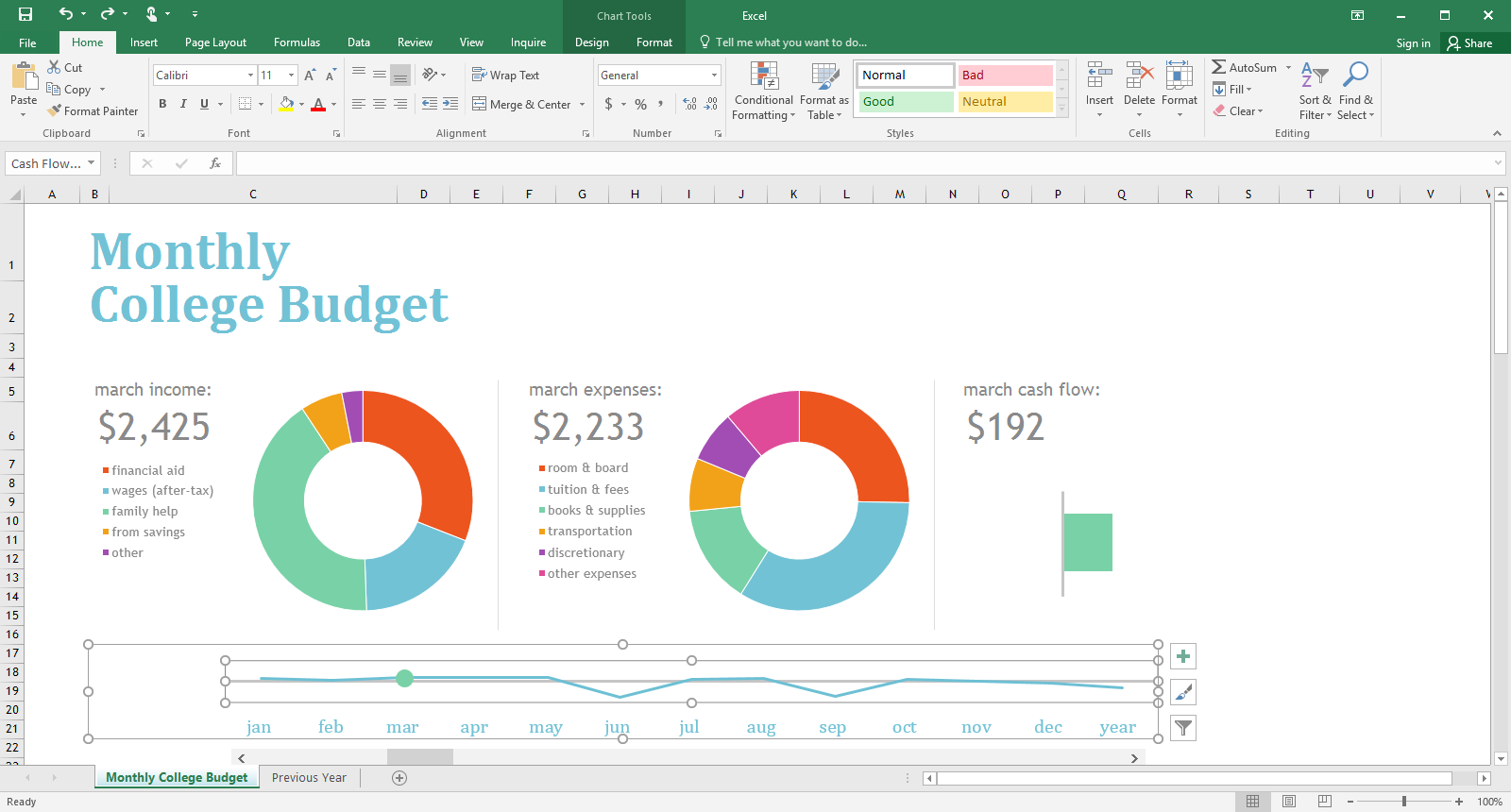 Microsoft Excel 2016
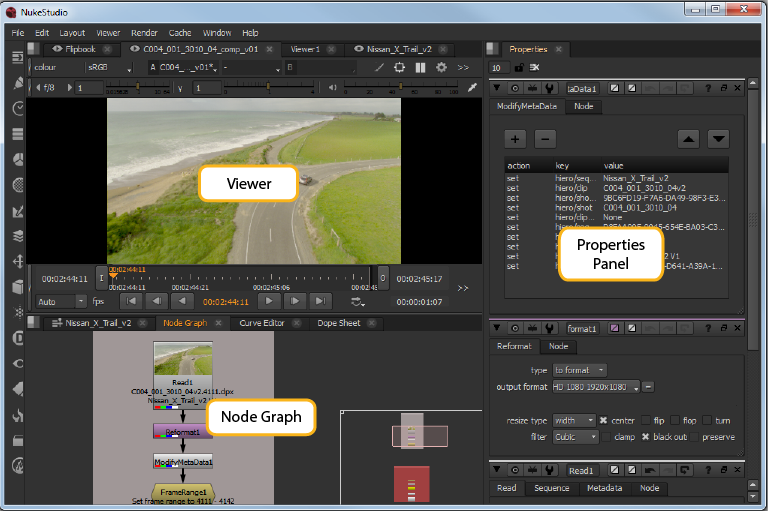 Foundry Nuke
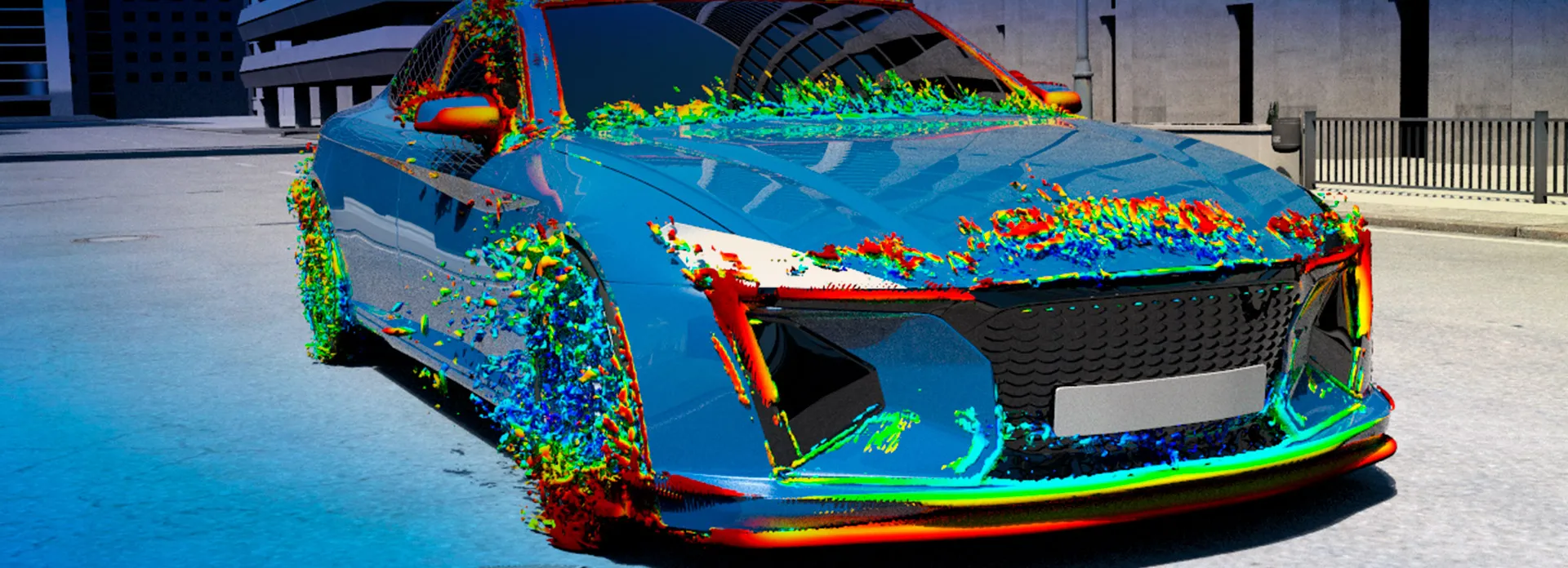 SIMULIA PowerFLOW
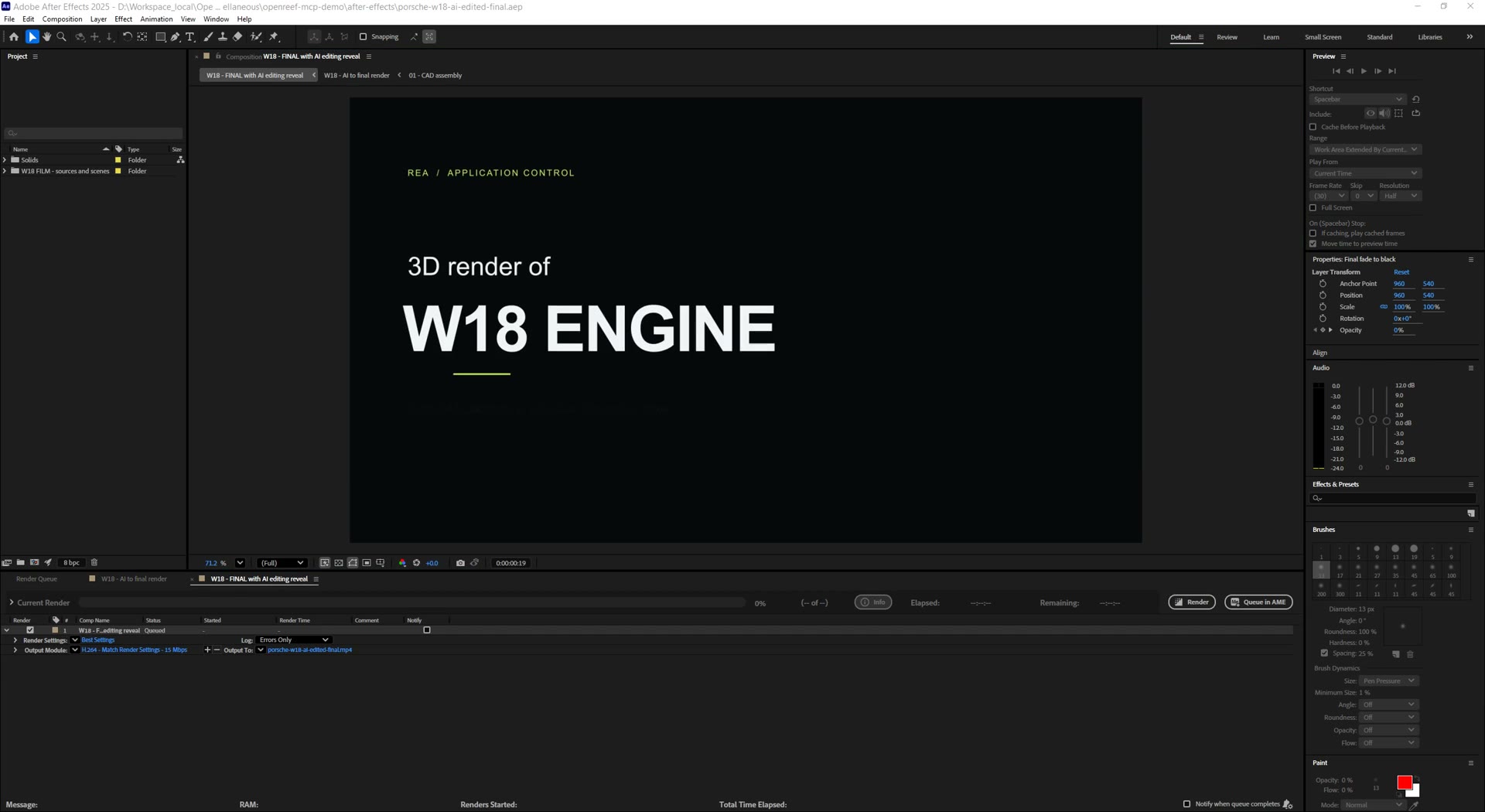 Adobe After Effects
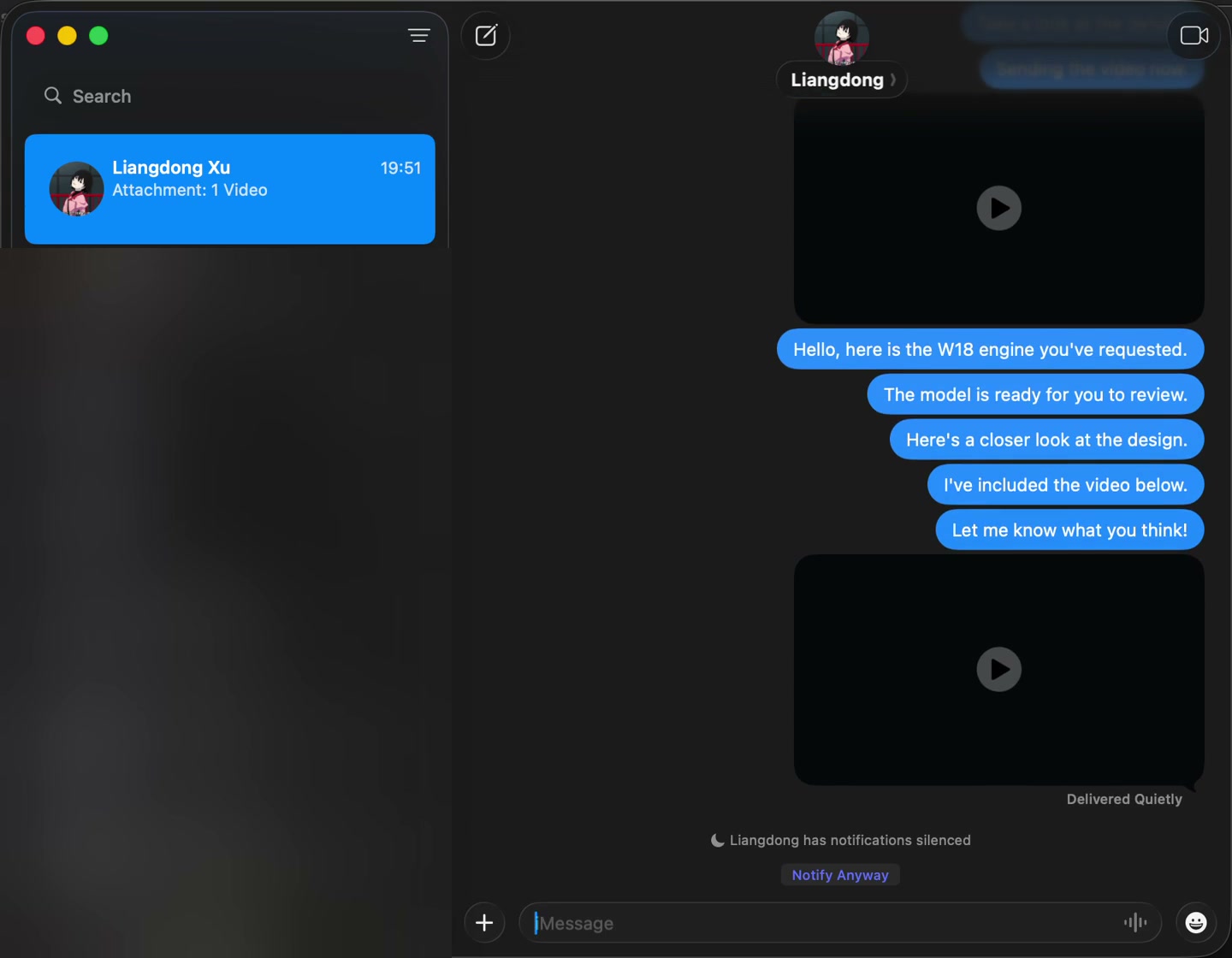 iMessage
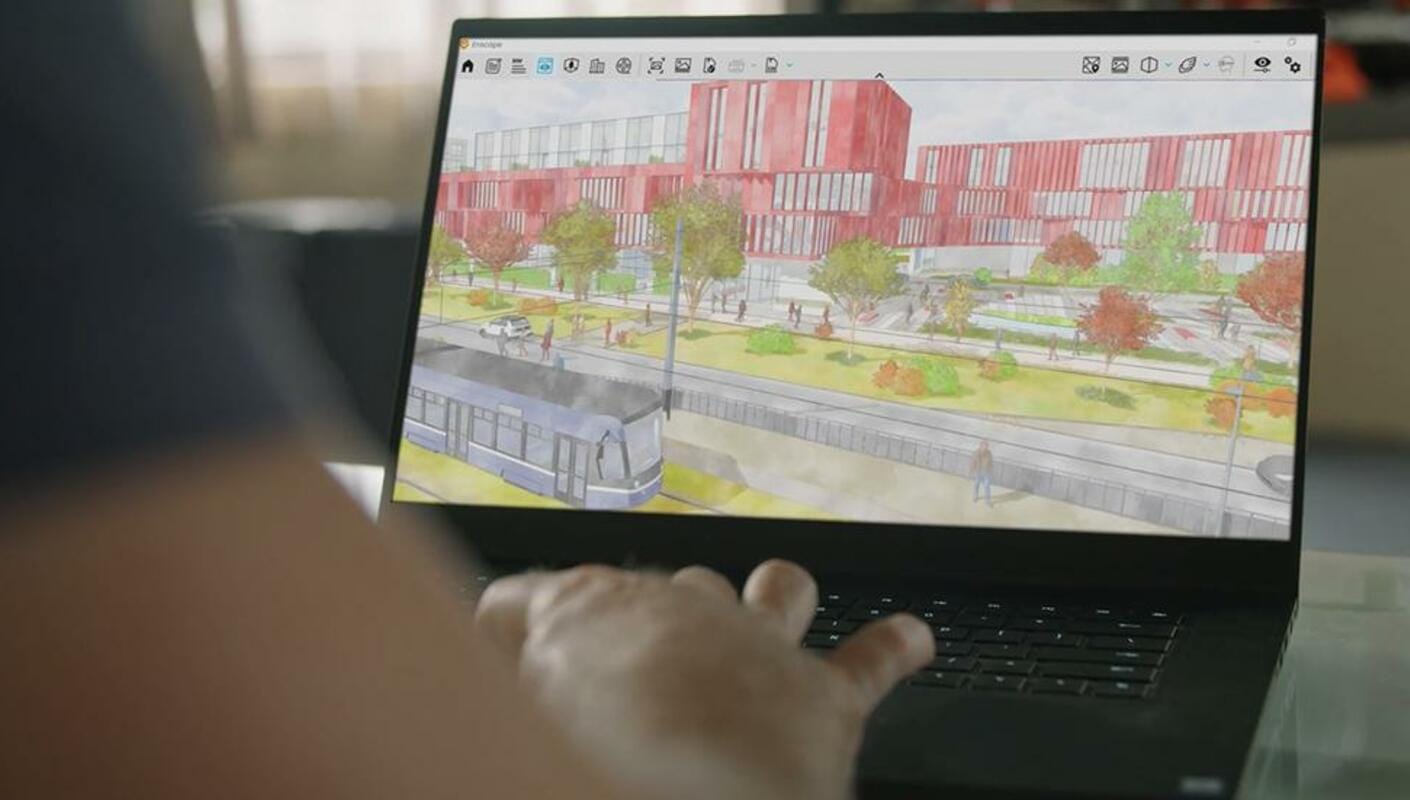 Enscape
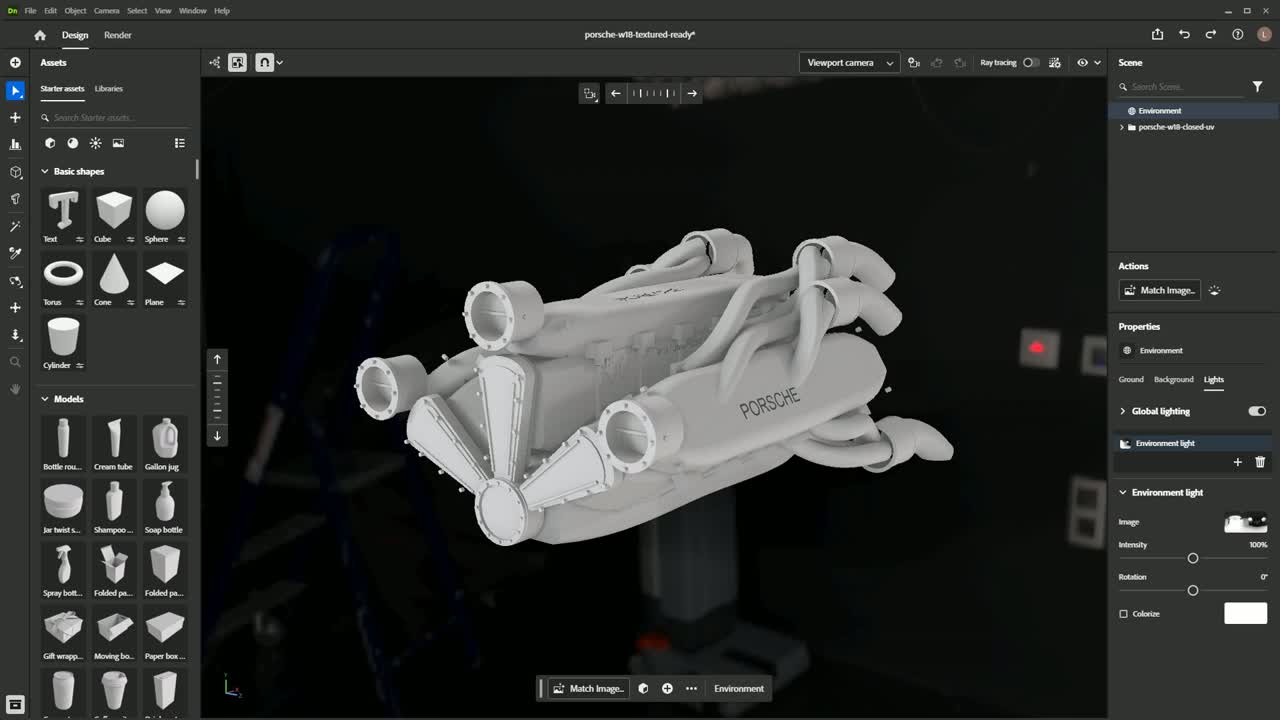 Adobe Dimension
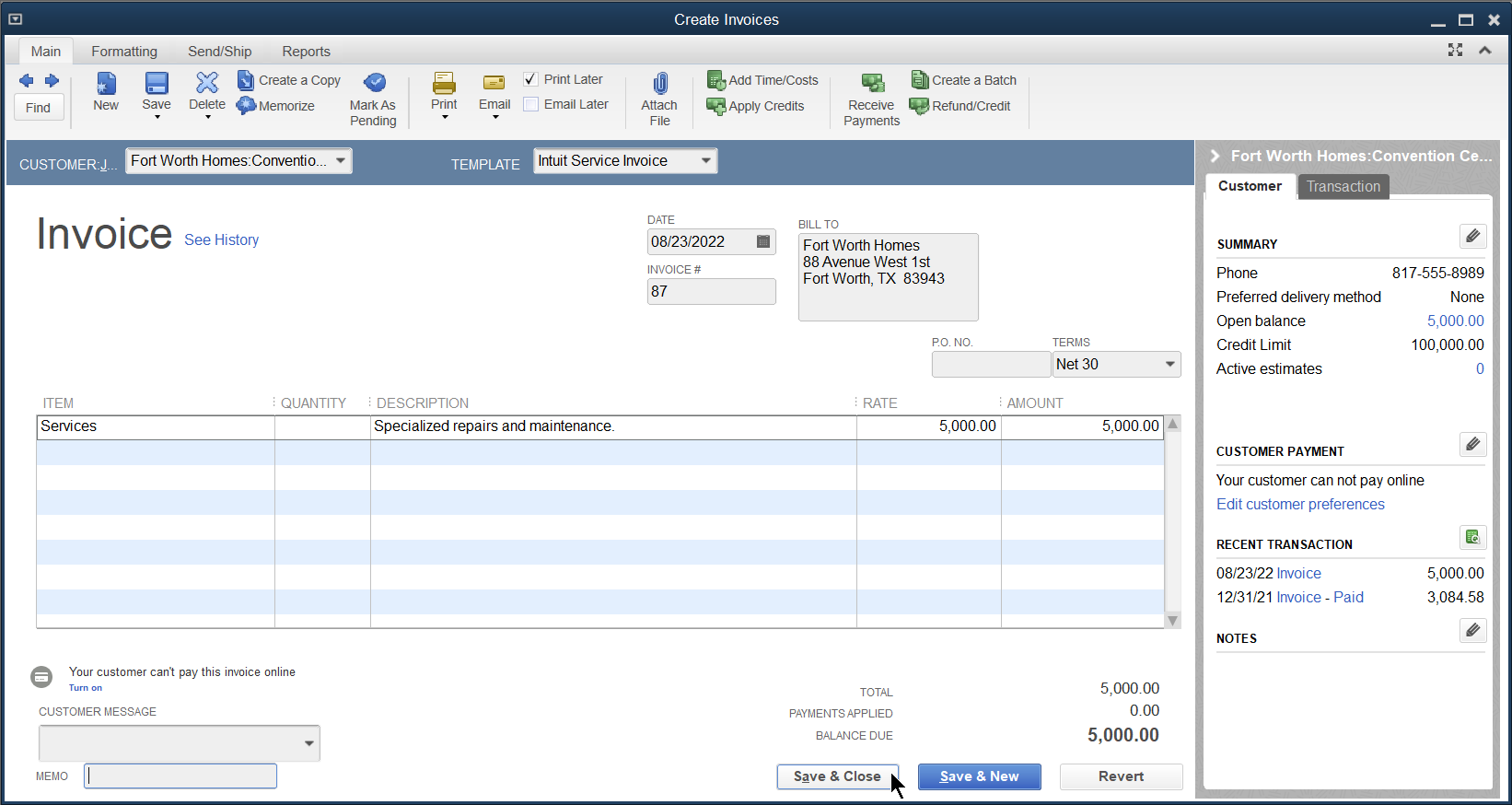 QuickBooks Desktop
Software ecosystem examples, not a verified compatibility or partnership list.
These are target workflows, not a list of certified integrations. Compatibility and execution methods are assessed for each application and task.
It calls. They answer. The work moves forward.
When the answer lives with a customer or supplier, the agent needs to make the call. Confirm specifications, arrange appointments, and bring the answers back into the workflow.
- Calls real phone numbers — suppliers, customers, and service providers.
- Asks follow-up questions to get the details your task needs.
- Reports what was confirmed, what is missing, and what needs your decision.
Hi, I’m an AI assistant calling on behalf of Acme. Can you deliver 5,000 units by October 15?
We can deliver on October 14. The unit price is unchanged.
Does that date include delivery to our warehouse?
Yes, delivery to your warehouse is included.
Example conversation. Try a real phone call with OpenReef.
Planned workflows include taking new enquiries, collecting appointment details, and handing requests to the right teammate.
Inbound calling is planned; not available today.Keep your tools. Give the work to OpenReef.
A desktop environment for specialist software. A browser for everyday web apps. Your team’s chat for requests, approvals, and handoffs. We configure the pilot around the way you already work.
Explore all industry workflows →- A working desktop
- A configured VM with the applications, files, and permissions your workflow needs. Application compatibility is assessed before the pilot.
- The web is part of the workflow
- Use browser automation and available integrations for CRM, research, and business apps alongside desktop tasks.
- Files you can keep working with
- Define the expected deliverables upfront: an editable model, a revised drawing, a report, or an exported asset—not just a chat answer.
Start with one real job.
Bring a repetitive workflow and the software it depends on. Together, we define what a successful handoff looks like.
- 01
Show us the work
Share the application, a sample input, and the output your team expects. We assess feasibility and agree on the pilot scope.
- 02
Set the boundaries
We configure software access, the desktop environment, and approval points. Your team decides what can run and what needs review.
- 03
Review the result
Run the agreed workflow and inspect the actual files and execution record with your team before expanding the scope.
It does the work. You make the commitments.
Define which actions the employee may take and which need approval. Calls, file changes, customer messages, and purchases follow the scope you agree on.
- Confirm the scope before the pilot starts.
- Keep purchases and commitments within your approval rules.
- Bring unclear or out-of-scope requests back to you.
# procurementCommon questions.
Do we need to write code or build workflows?
No. We handle deployment and configuration. You tell us the job, provide the business context, authorize the agreed tool connections, and set the approval limits.
What can it actually do right now?
Outbound calling is available today. Desktop, browser, business chat, and integration scope is assessed during the pilot. The conversations and industry workflows on this page are illustrative; inbound calling is planned.
Will people know they're talking to an AI?
Yes. The agent introduces itself honestly as your company's AI assistant and never pretends to be human.
Which languages does it speak?
Almost any language. It speaks the callee's language on the call — 55 supported today, from English, Chinese and Japanese to Arabic, Thai and Swahili — and reports back to you in yours.
Who approves what it does?
You do. You set the limits — spend thresholds, decisions it may make alone, and what must come back to you. Anything over the line is escalated to you in chat before the agent acts.
How is it priced?
Pilots are fixed-scope monthly engagements sized to one repetitive, communication-heavy job. Talk to us and we'll scope it together.